 DoNotMissIt
Notifications are easy to miss.
This isn't.
DoNotMissIt sits in your Mac's menu bar. Shortly before each meeting, it covers every display with a card showing the meeting and a live countdown. Press Return to join the call, or Esc to dismiss.

For macOS Tahoe 26 or later.
Work
Daily Standup
9:00 – 9:15
Join ZoomDismiss
From the menu bar to the meeting
It stays out of the way until it matters, then makes sure you can't look past it.
-
8m
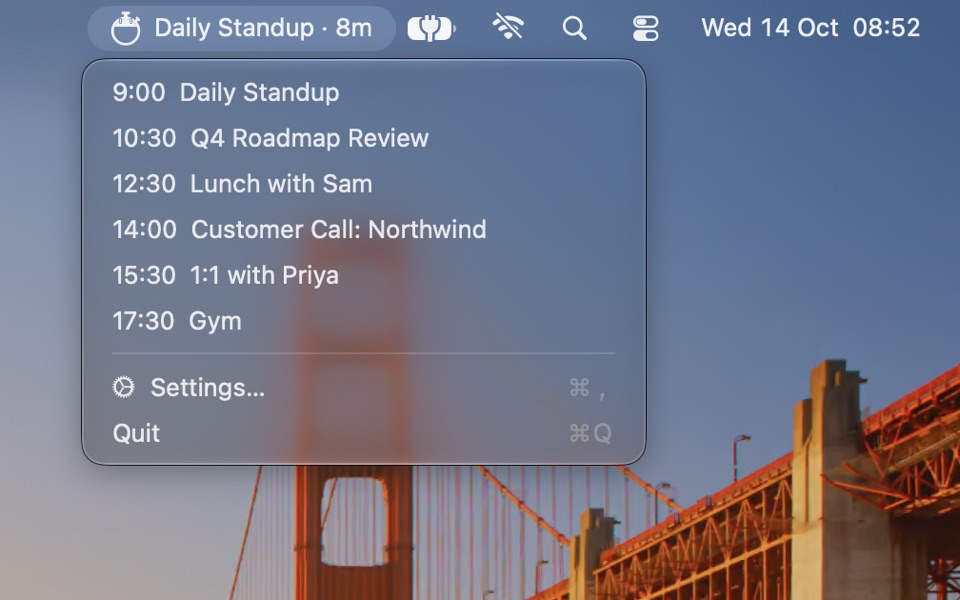
In the menu bar
Your next meeting and the time until it starts. Click it to see what's coming up, and choose one to preview its alert.
-
0:42
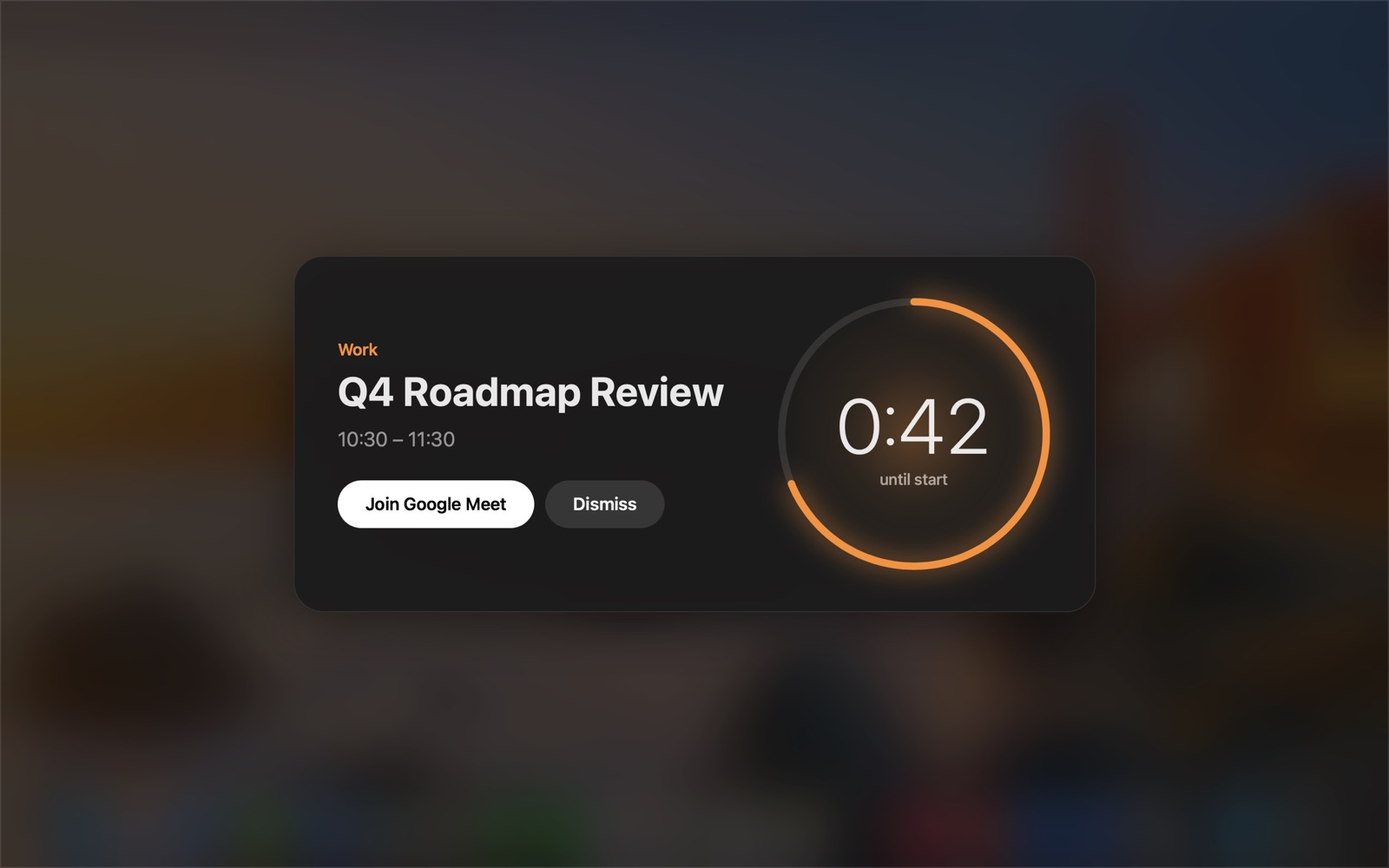
On every screen
Shortly before the start, a card covers every display. It finds the join link in the event's URL, location or notes, so Return takes you straight into the call.
-
+0:27
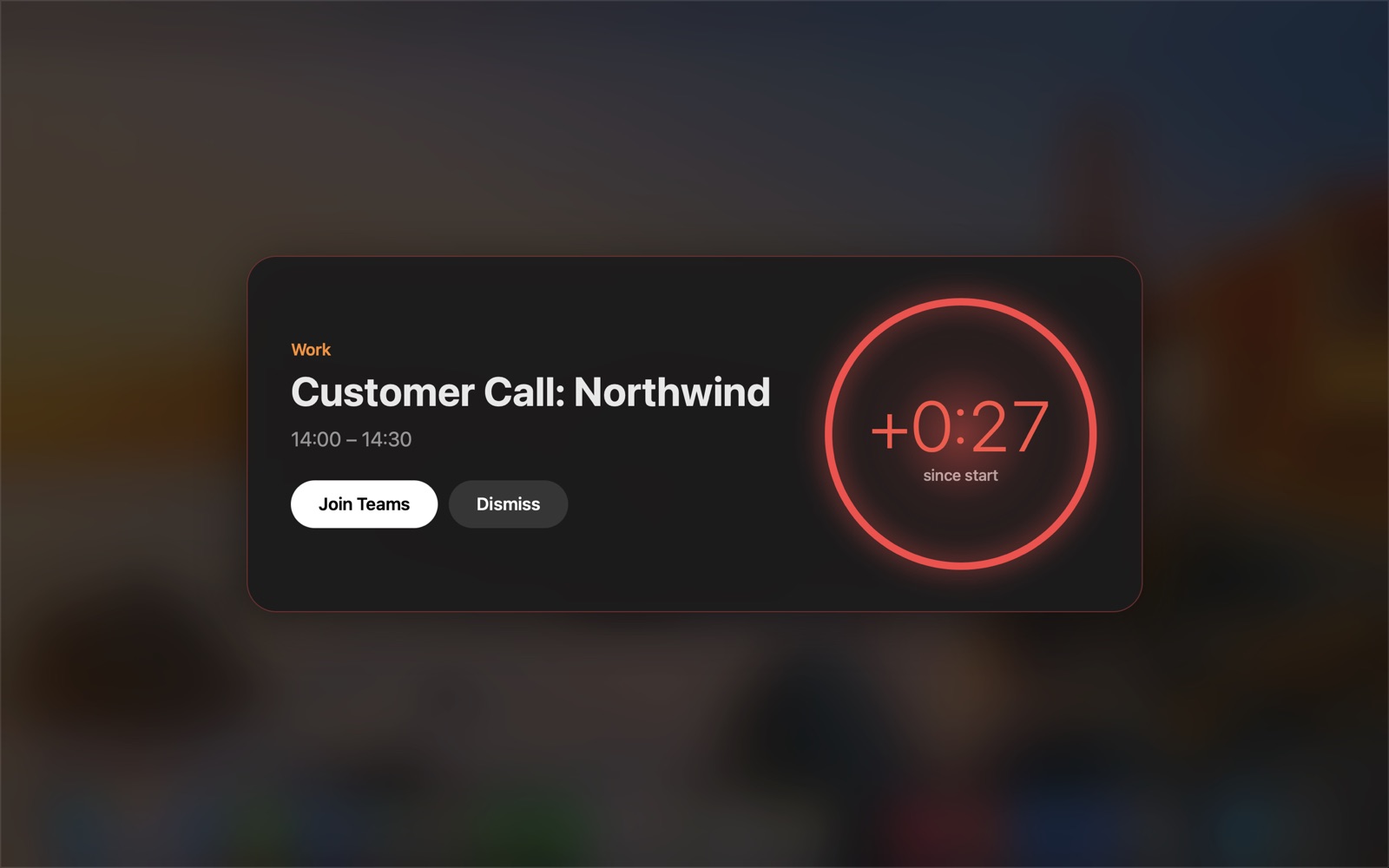
Running late
Once the start time has passed, the ring turns red and counts up, so you know exactly how late you are.
Try it: open Daily Standup · 8m in the menu bar at the top of this page and pick a meeting.
The details
It reads the calendars already on your Mac, so iCloud, Google, Exchange and any other account you've added in System Settings all work.
Meetings
- Join links
- Zoom, Google Meet, Microsoft Teams, Webex, Whereby and GoTo.
- In person
- No link means the card shows the location and just a Dismiss button.
- Same start time
- Events starting together are combined into one alert.
- Two calendars
- A meeting that appears in both only alerts once.
- Skipped
- All-day, cancelled and declined events.
- After sleep
- If a meeting started in the last 5 minutes while your Mac was asleep, it alerts when you wake it.
Settings
- Remind me
- At the start time, or 1 to 10 minutes before.
- Look ahead
- How far ahead the menu bar looks for meetings, from 4 hours to a month.
- Start at login
- Your choice.
Your calendar never leaves your Mac.
Private
The app has no analytics, no advertising and no accounts. It doesn't collect, store or transmit any personal data, and it runs in Apple's App Sandbox with no permission to use the network.
Open source
The code is public under the MIT licence, so you can check that for yourself, or build it from source.
Don't miss the next one.
DoNotMissIt for macOS Tahoe 26 or later.